Agentic Engineering - Part 1
Motivation
The speed of AI development is overwhelming. Every morning I wake up to news of AI improvements and I don’t even have the time to learn and catch up.
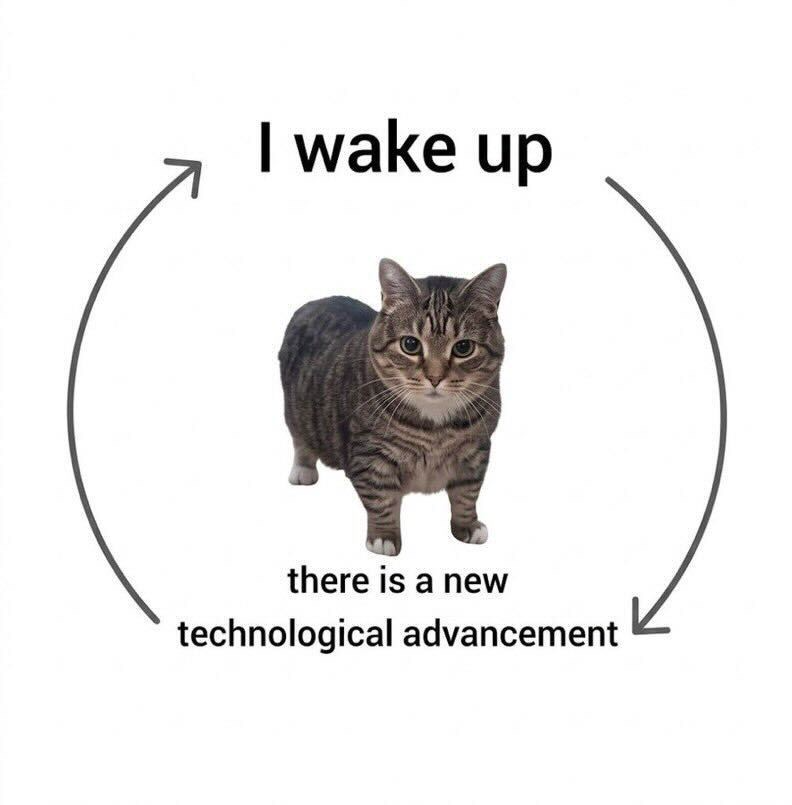

I’m both panicked and excited about AI: about how it upends the current software landscape, and how we can use it more efficiently. I’m not sure how AI changes the tech market in the future, but at least for now, I can definitely leverage AI for a workflow tuned to my own needs.
AI Assistants vs AI Agents
Before diving into workflows and tools, it helps to understand the most basic distinction: AI Assistants vs AI Agents.
AI Assistants are conversational interfaces where you ask a question and get a response. Examples include ChatGPT, Claude, and Gemini. Modern assistants can also do things like browse the web, run code, and remember context — but they still respond to your prompts rather than act on your behalf.
AI Agents, on the other hand, can autonomously execute multi-step tasks in your environment: run shell commands, read and write files, call APIs, and loop through decisions without waiting for you at each step. Examples include Codex, Claude Code, and Gemini CLI. The key differentiator is not just multi-turn conversation — it’s the ability to act independently in an environment.
In short, AI Assistants are better for one-off questions and tasks. AI Agents are better for complex workflows that require multiple steps, decision making, and integration with other tools. They handle project-level tasks.
In this blog post, I am more focused on AI Agents due to their flexibility and power. Claude Code is the one that I’ve been heavily using since its release, and it has become an essential part of my workflow. It allows me to automate tasks, manage projects, and even handle incidents in production.
Claude Code Basics
Claude Code CLI can be installed in multiple ways. I prefer Homebrew:
# Install Claude Code using Homebrew
brew install --cask claude-code
The official instructions say that you need to cd (change directory, a common bash command) to your project directory before using Claude Code:
# Change to your project directory
cd your-project

# Launch Claude Code
claude
This is never emphasized but I think it’s the most important step: Yes, you can literally run Claude Code in any directory, but to make your usage more organized and efficient, designating directories is always the first step.
Yes, it matters where you launch Claude Code.
There are two types of directories worth knowing:
- Home directory (
~), for computer-level tasks. It’s convenient but can be destructive if you’re not careful. I rarely use it for Claude Code tasks directly, but I keep aCLAUDE.mdhere for global rules and skills that apply across all projects. - Project directories, where you
cdbefore launching. Each one can have its ownCLAUDE.mdwith rules and skills scoped to that project only.
Launching Claude Code
To launch Claude Code you need a terminal or an IDE. Use an IDE when you want to watch file changes live and edit alongside Claude. For everything else, terminal works fine.
The built-in terminal in MacOS is good enough for most cases, and VS Code is a commonly used IDE. I personally use Kaku and Positron.

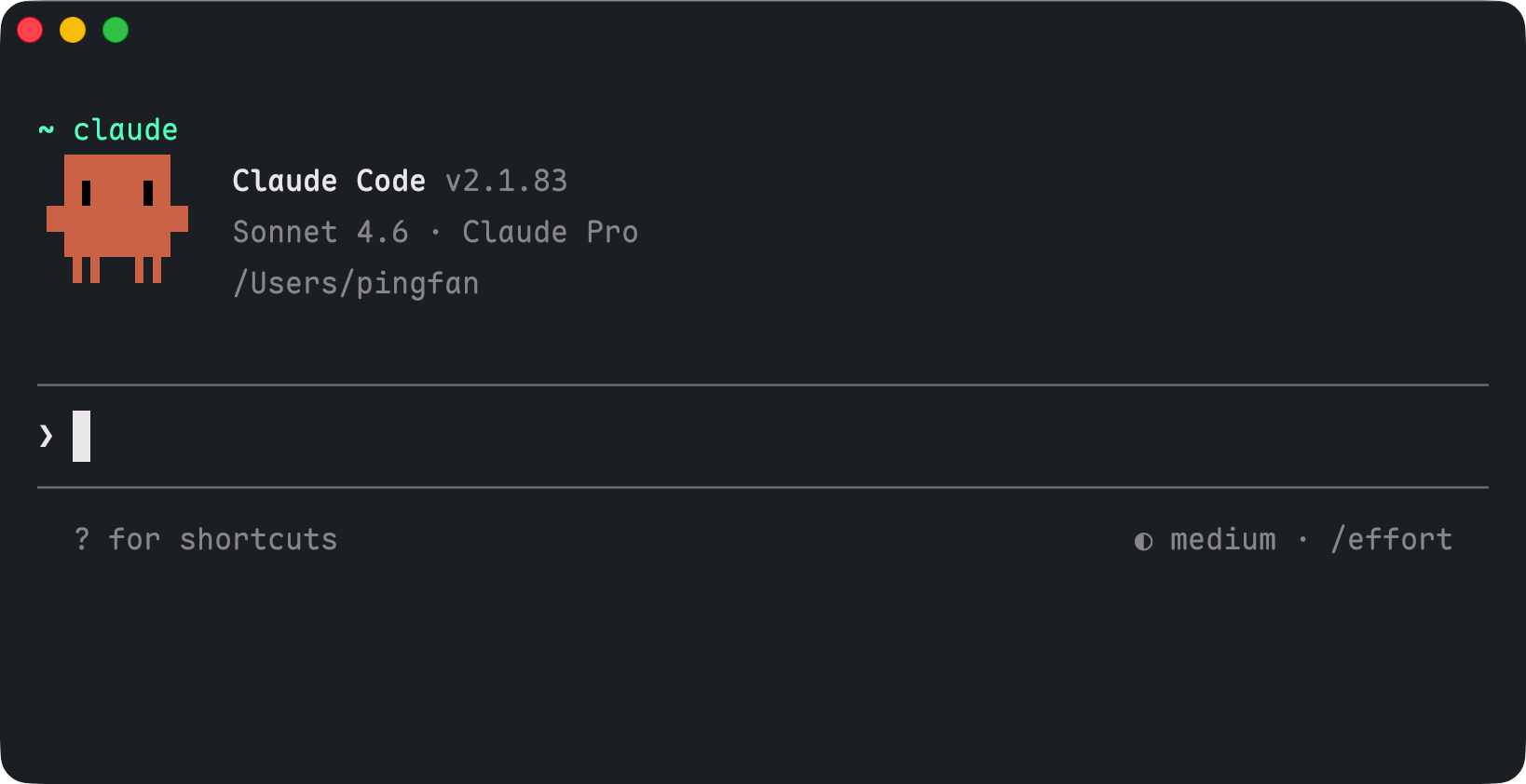
To launch Claude Code from your home directory, run claude in terminal:
To launch Claude Code in a project directory, say I wanna launch it under my website project (where this blog lives), I can cd to the project directory and then run claude:
# Change to the project directory
cd /Users/pingfan/Documents/GitHub/website

# Launch Claude Code
claude
I use a custom command cd-website to make it even simpler:
cd-website
claude
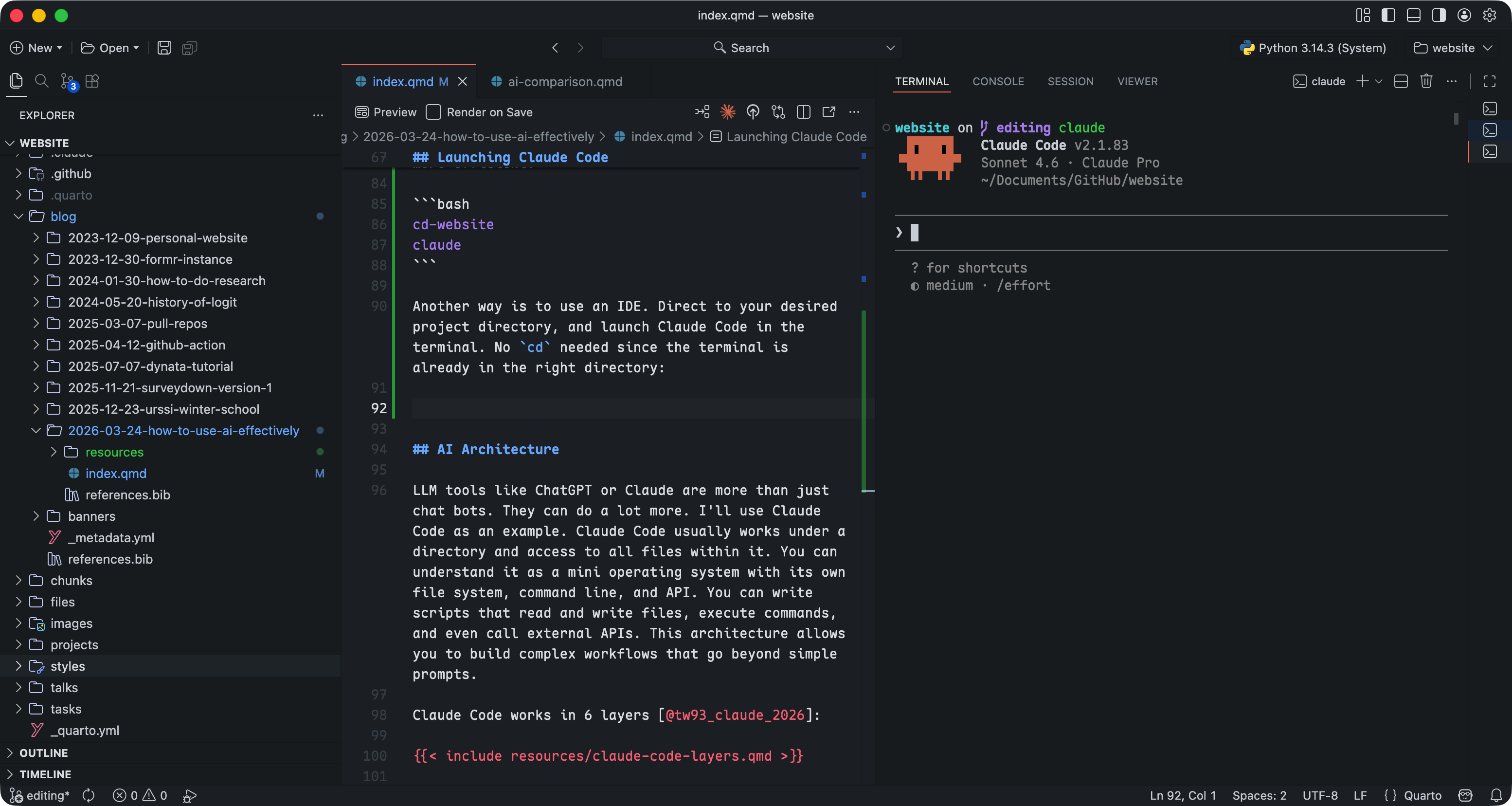
You can also use an IDE: navigate to your project directory and launch Claude Code from its built-in terminal. No cd needed.
Architecture of Agentic Engineering
As you launch Claude Code from your desired project directory, you can already start empowering yourself with AI. You are mostly ready, and it’s totally okay to close this blog and start your journey of crafting! But to really get into the details and unleash the full potential of AI agents, it’s important to understand their architecture, and wisely design your own system.
Again, Claude Code works under your designated project directory and has access to all files within it. This architecture allows you to build complex workflows that go beyond simple prompts. It works whether you start from scratch or pick up an existing project.
I came across @tw93’s article on “How to Build an AI Agentic System with Claude Code” (Tw93 2026b), which is a great resource that explains the architecture of Claude Code in detail.
Claude Code works in 6 layers:
A typical Claude Code setup might look like this:
Project/
├── CLAUDE.md
├── .claude/
│   ├── rules/
│   │   ├── core.md
│   │   ├── config.md
│   │   └── release.md
│   ├── skills/
│   │   ├── runtime-diagnosis/     # Uniformly collect logs, state, dependencies
│   │   ├── config-migration/      # Config migration rollback protection
│   │   ├── release-check/         # Pre-release validation, smoke test
│   │   └── incident-triage/       # Production incident triage
│   ├── agents/
│   │   ├── reviewer.md
│   │   └── explorer.md
│   └── settings.json
└── docs/
    └── ai/
        ├── architecture.md
        └── release-runbook.md
@tw93 has wrapped all these into a Claude skill called claude-health (Tw93 2026a) and can be installed with a single command:
npx skills add tw93/claude-health -a claude-code -s health -g -yWorth reading if you want to understand the architecture. Or just install the skill and go from there.
Vibe Coding, Agentic Engineering, and Harness Design
Workflows have evolved since LLMs arrived, and these terms describe different levels of maturity — they coexist, not replace each other. Vibe Coding is the starting point: you describe what you want, the model generates code, you hope it works. The outputs are unpredictable, and even when something comes out right, you can’t reliably get there again.
Agentic Engineering is more structured: you design agents with specific rules and skills, and they handle complex tasks in a reproducible way. This is where I am now. Harness Design or Harness Engineering is the latest framing, and Anthropic wrote about it recently (Rajasekaran 2026).
The name keeps changing, but the shift is the same. You stop handcrafting every piece and start conducting: set the rules, build the skills, let the agents handle the execution.